


Explore ES90 features

Intelligent apps. Instant connectivity. Cutting-edge charging. This isn’t just driving. It’s a new road ahead.

 Image

ES90 Displays and connectivity

Meet the car that’s always thinking around the bend.

14.5-inch centre display Image

14.5-inch centre display

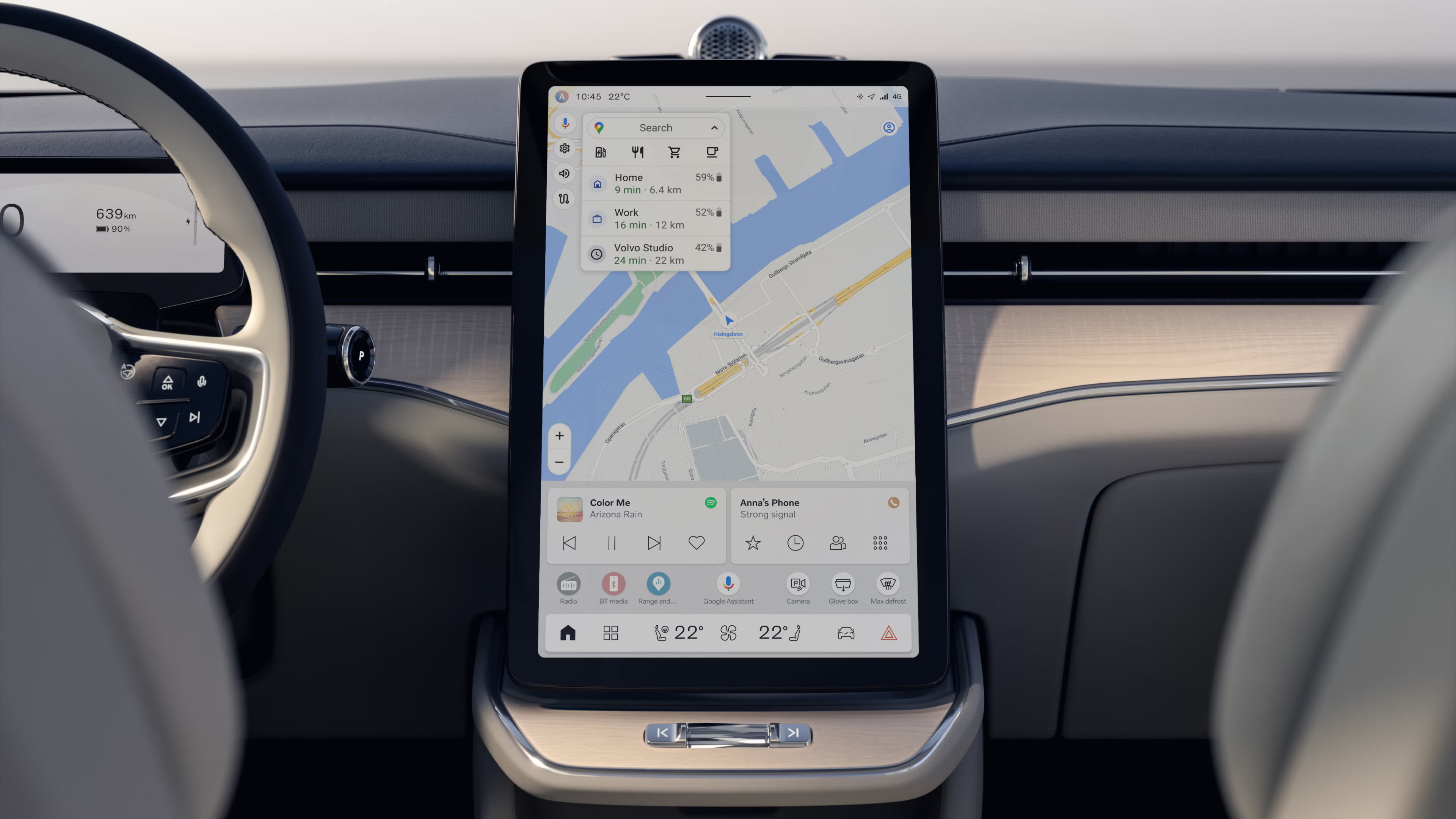
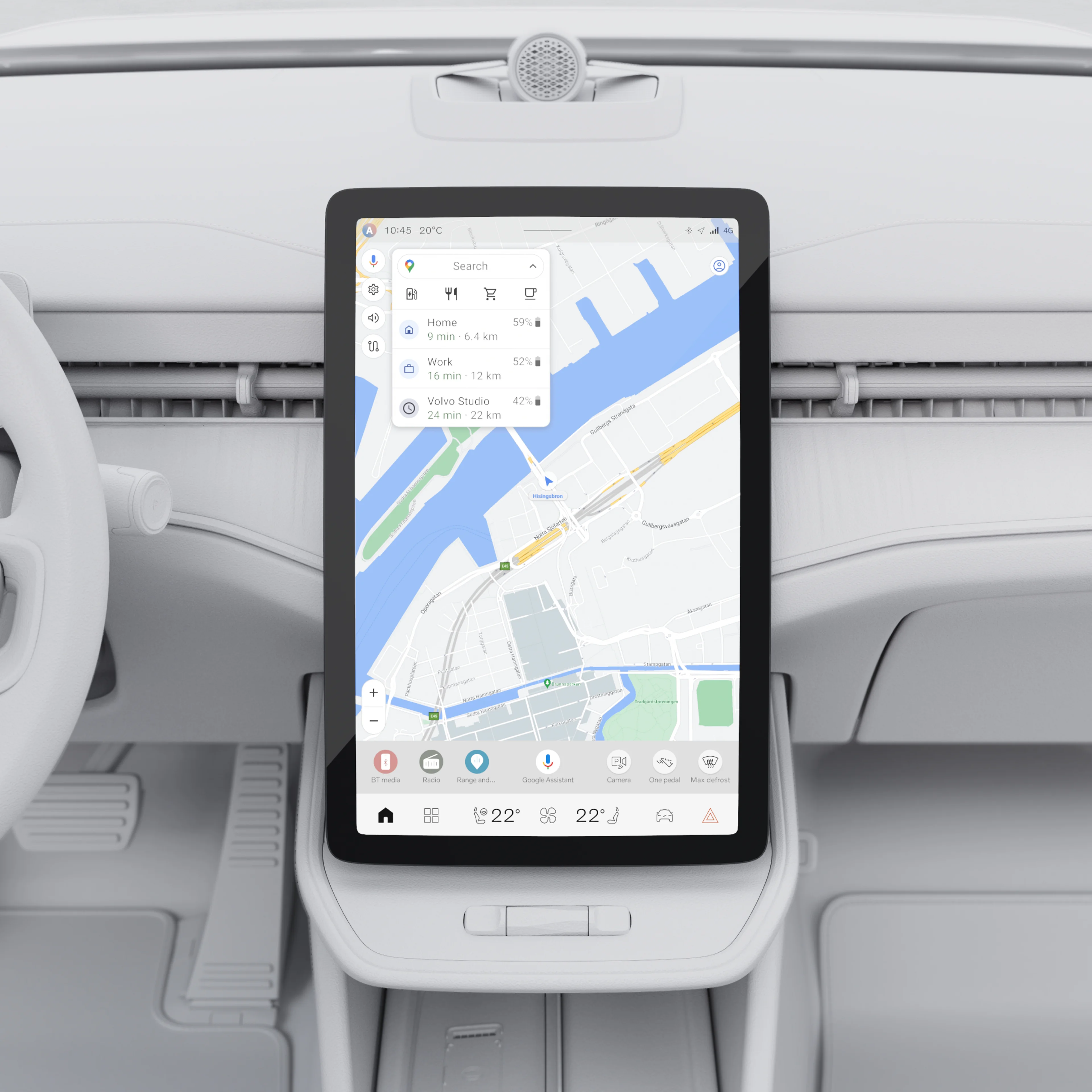
Take control of your journey with the 14.5-inch free-standing centre display. This high-resolution touchscreen sits at the heart of the dashboard, offering easy access to maps, media and apps.

The screen’s anti-glare coating resists smudges and reduces reflections to keep visuals crisp in any light. Sensors and an infrared film make it responsive, even if you’re wearing gloves.

...Show more

9-inch driver display Image

9-inch driver display

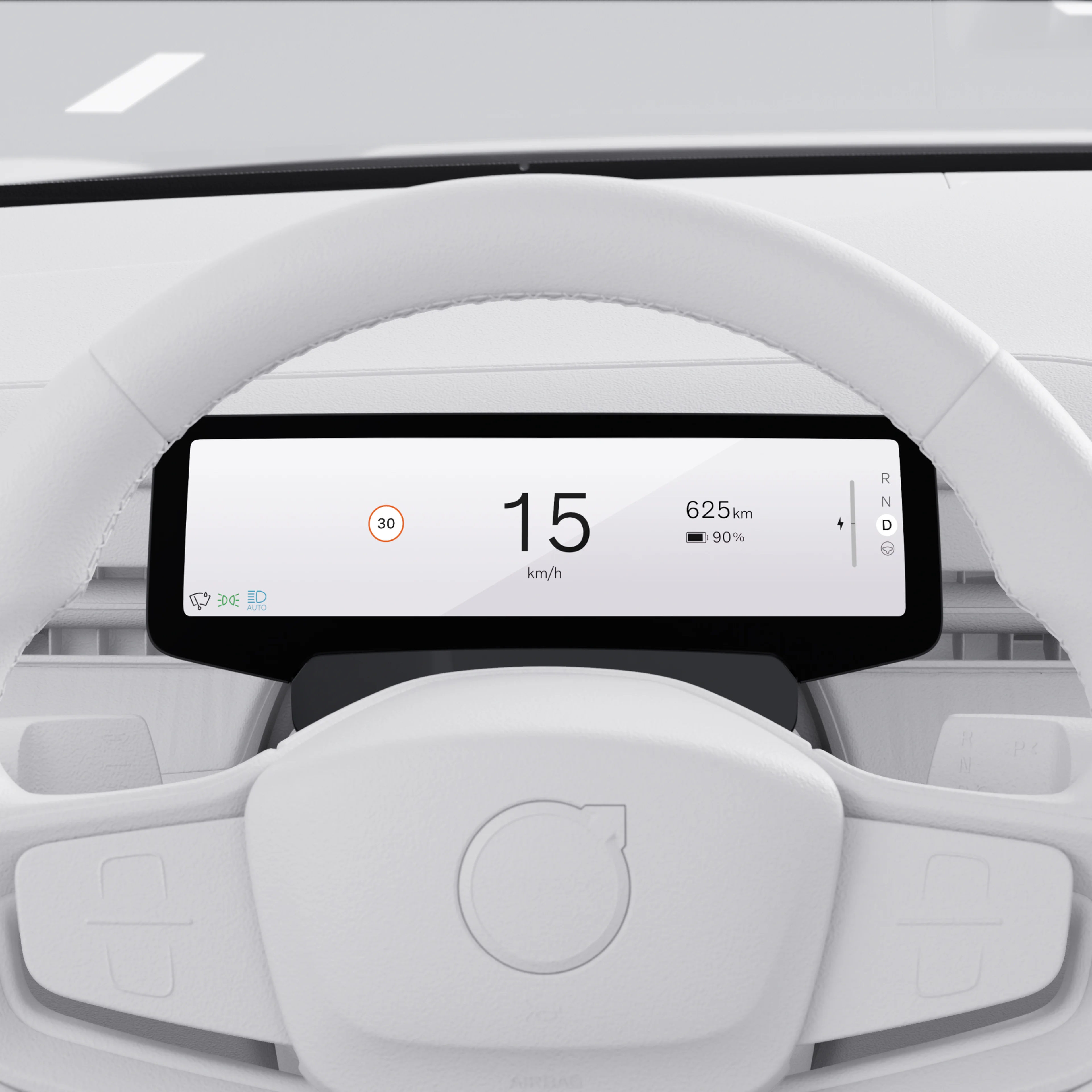
Get driving information exactly how you want it on the 9-inch driver display. A switch on the steering wheel lets you choose from three views. Calm shows speed and basic navigation prompts, while Navi adds a detailed map. Surround can show the cars, trucks and motorcyclists around you. The interface is easy to read and complements the centre display.

...Show more

13.2-inch head-up display Image

13.2-inch head-up display

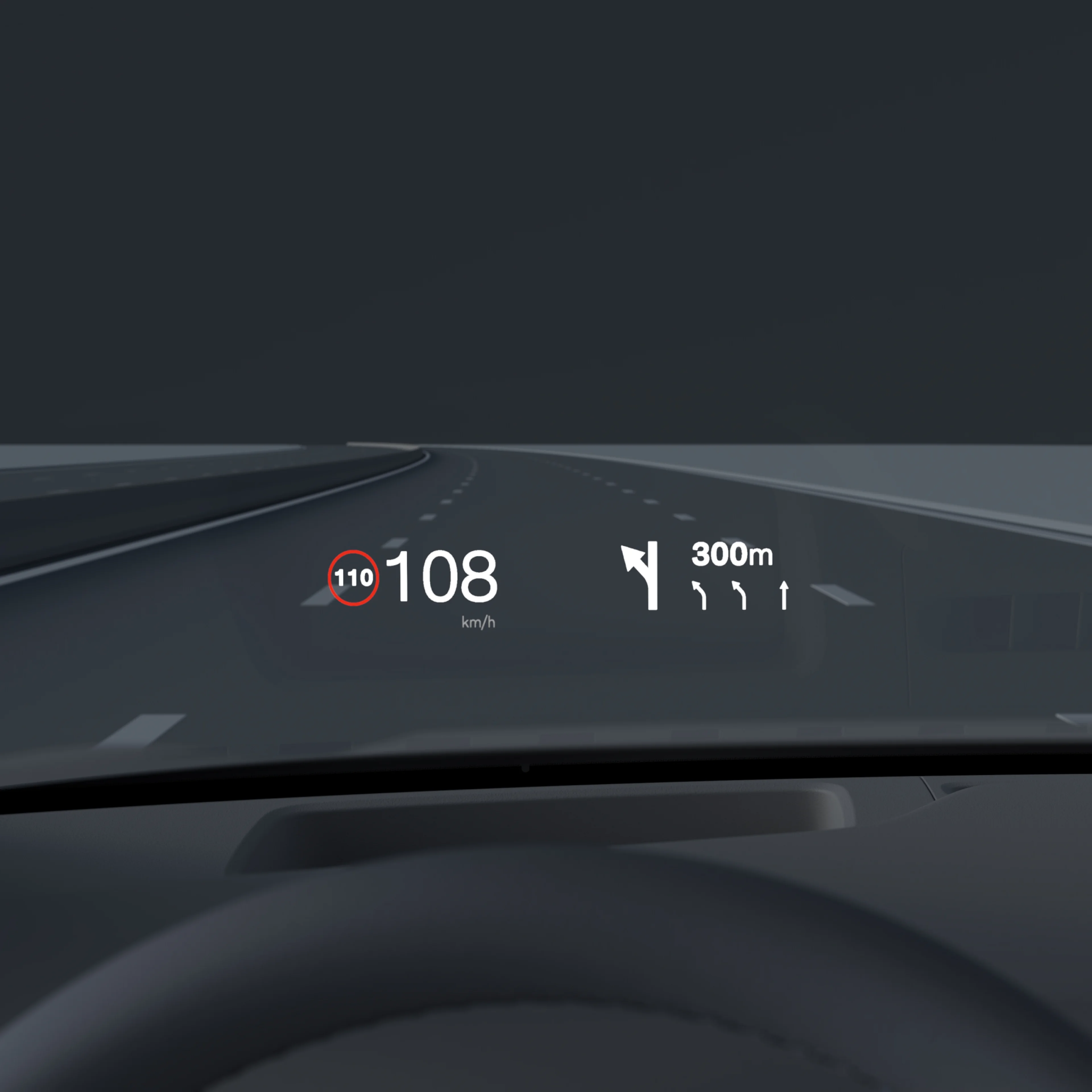
Keep your focus on the road with the standard head-up display. It projects essential information like speed, speed limits and navigation prompts directly onto the windscreen so they appear to hover over the bonnet. There’s less need to look down or shift your gaze. And the large size makes it easy to read.

The display stays crisp and clear whether you're driving through a tunnel or after dark. You can also adjust the brightness and position to suit your preferences.

...Show more

Core computing Image

Core computing

The core computer inside the ES90 is part of the Volvo Cars Superset technology stack, one single foundational system that will power future Volvo cars.

That computational power is used to manage functionalities such as AI-based, state-of-the-art active safety features, car sensors and efficient battery management. It also allows the software-defined ES90 to evolve over time with over-the-air updates, introducing new capabilities and refining existing ones.

This approach means your ES90 will stay at the cutting edge throughout its life.

...Show more

Intuitive interface Image

Intuitive interface

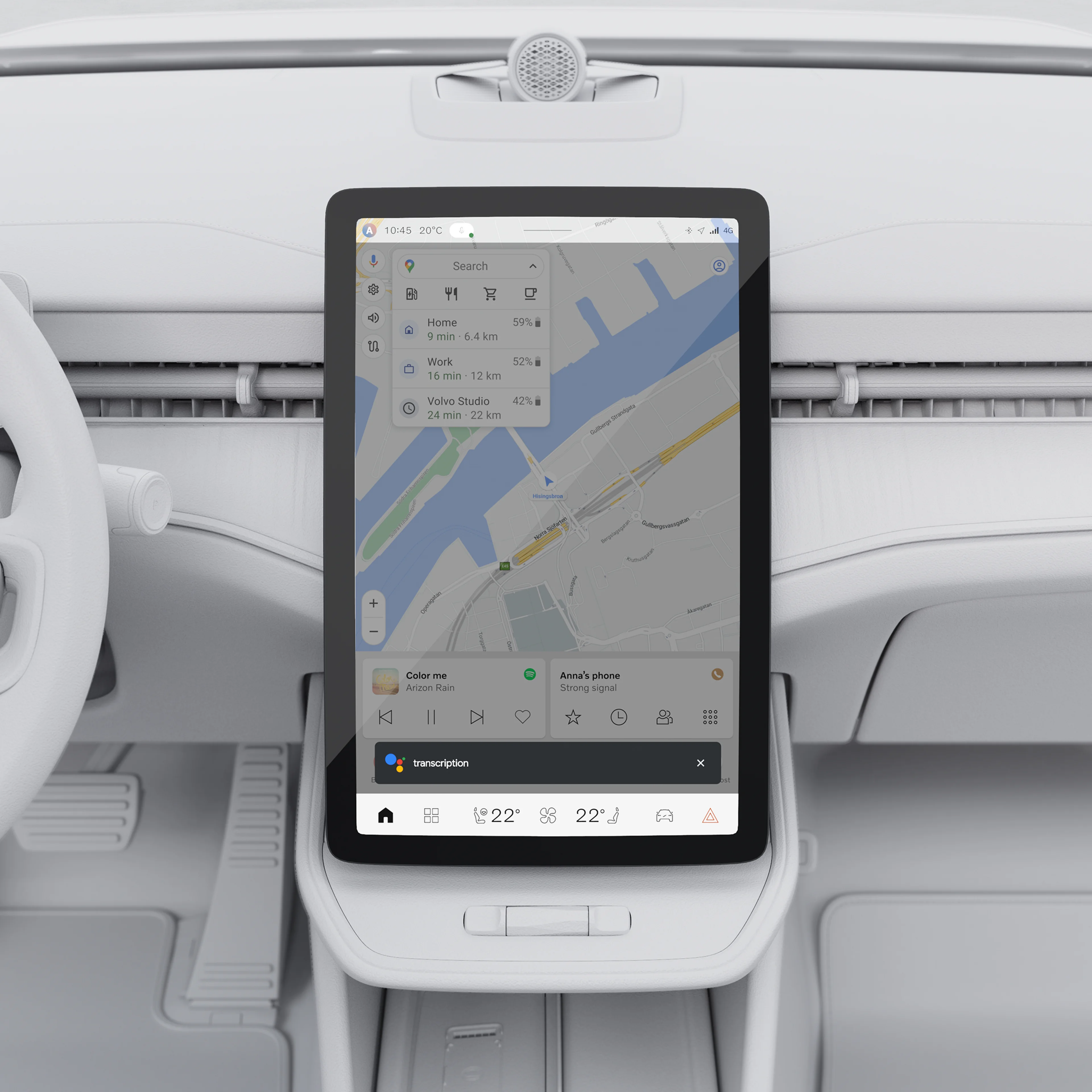
Feel more in control behind the wheel with a centre display that connects you to what’s happening inside and outside the car.

The vertical orientation shows more of the route ahead, making navigation easy to follow. Its interface is designed to keep your focus on the road with smart widgets to manage key functions and contextual shortcuts that pop up as you need them, like the 360° camera when parking. The large display can also show navigation and app windows side by side, so you can view both at a glance.

...Show more

Google built-in Image

Google built-in

Personalise your drive with Google built-in, a range of helpful apps available with unlimited data as part of your free digital services package.

Google Maps
Find the best route to your destination with Google Maps. It's simple in-car navigation that reroutes you based on the latest traffic updates.

Charging station locator
Google Maps can help you plan the most efficient route for your electric car. It can also locate nearby charging stations. Filter by speed, price and payment options.

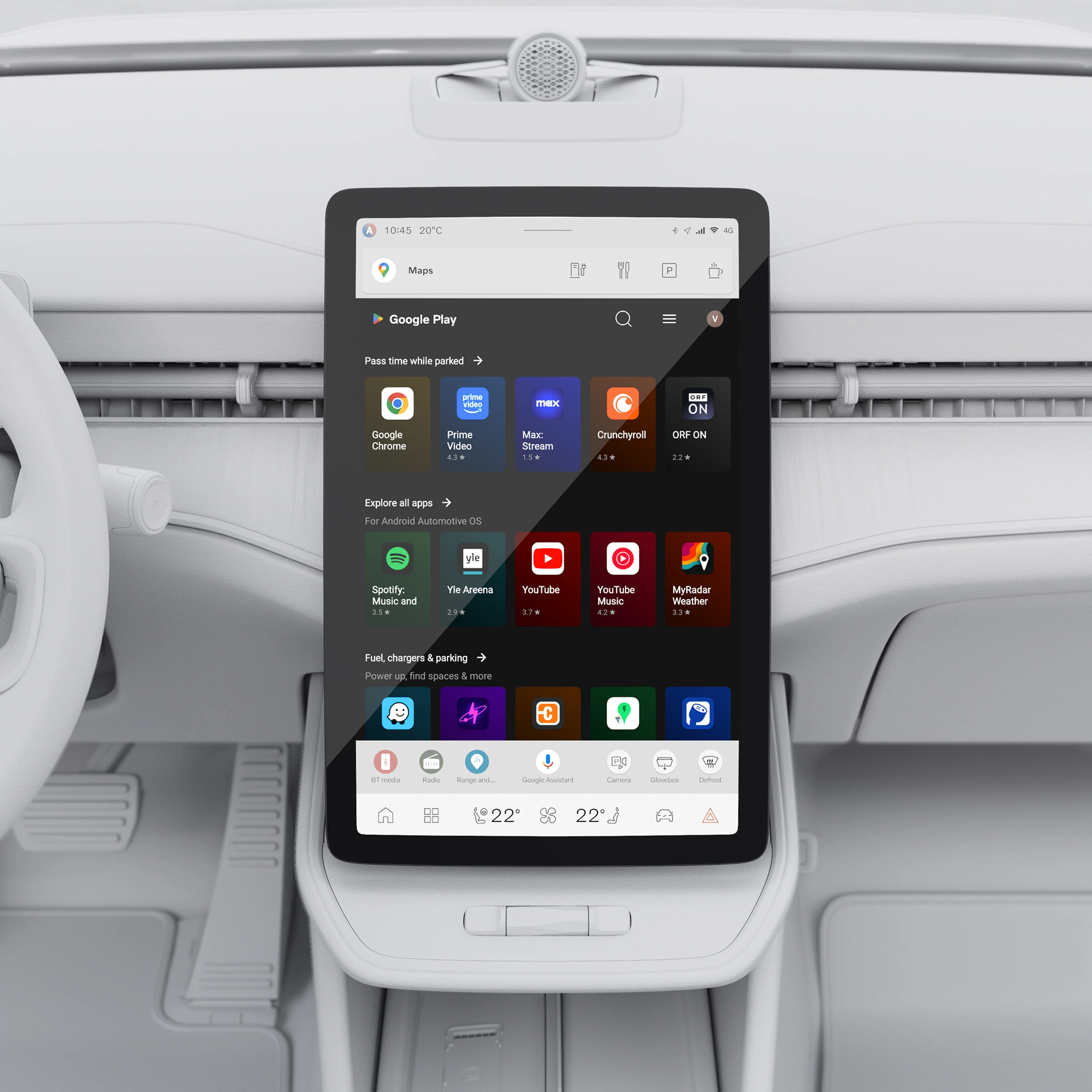
Google Play
Download the apps you love to bring your favourite music, podcasts and audiobooks on every journey.

Google Assistant
Say “Hey Google” to adjust climate settings, call and text, play audio and more using just your voice.

Digital services
Use Google Maps, Google Assistant and any app downloaded on Google Play Store with unlimited data for five years. After this period ends, new terms and fees will apply if you choose to renew. Fair Use Policy for data applies.

Google, Google Play and Google Maps are trademarks of Google LLC.

...Show more

Easy software updates Image

Easy software updates

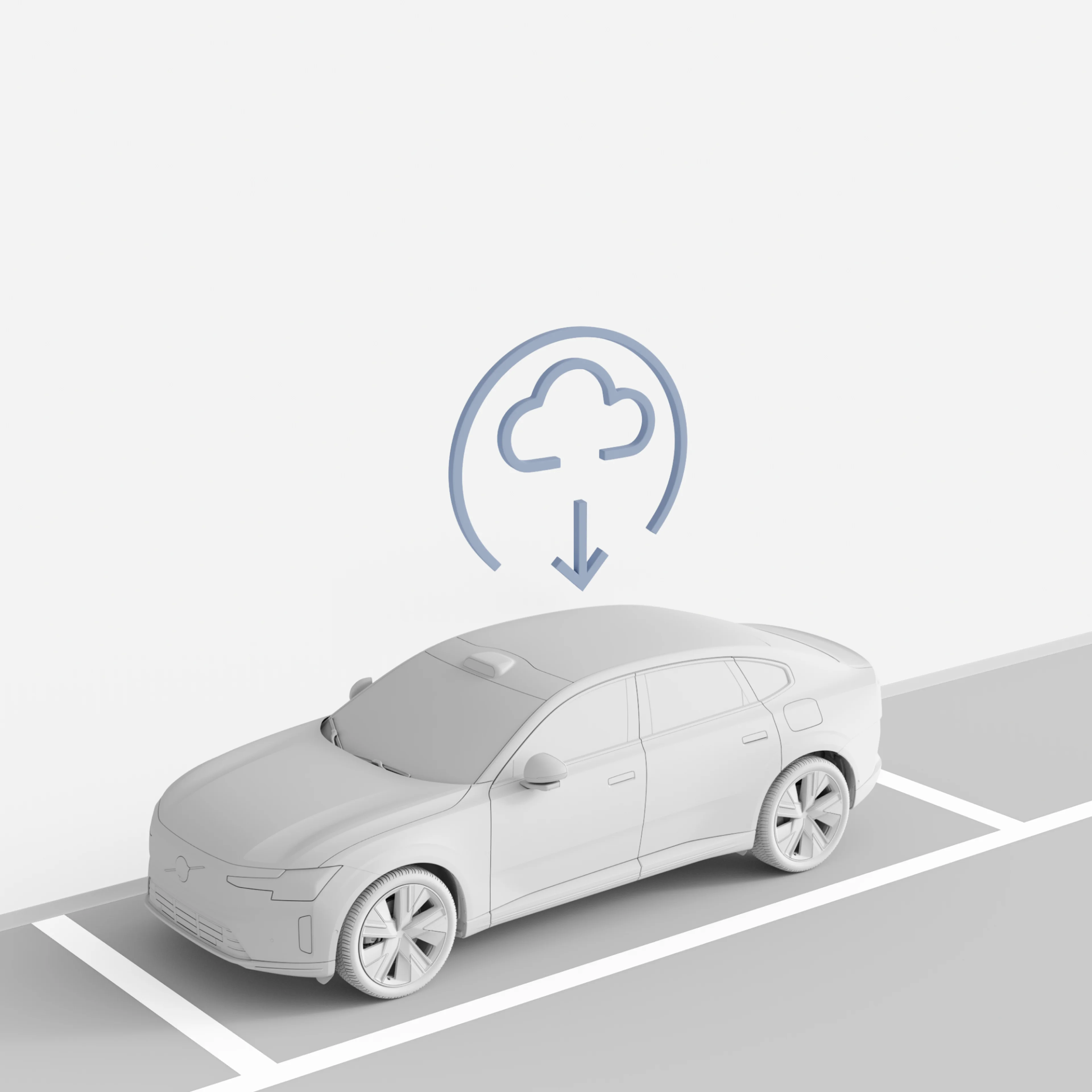
Get software updates sent directly to your car via the cloud. These over-the-air (OTA) updates roll out periodically, improving your car over time with no shop visits required. OTA updates also make it easy to upgrade and add software-based features and packages at any time.

Cadence of over-the-air updates will vary per model and market.

...Show more

Digital key plus Image

Digital key plus

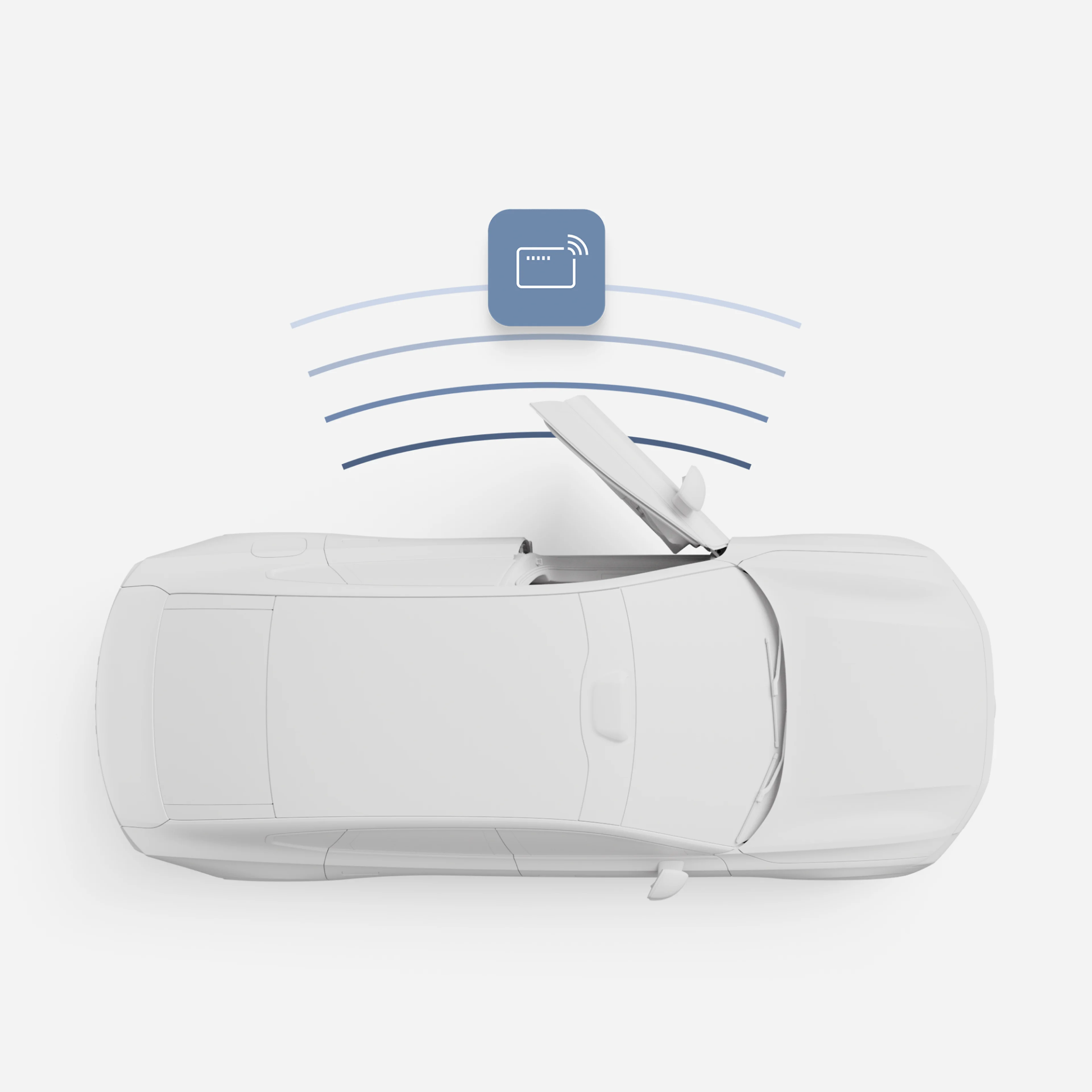
Add a digital key to your wallet app for full access to your car using your iPhone or compatible Android phone. With it, your car recognises your device as you approach. Just grab the door handle to unlock it. Then hop in, buckle up and drive without taking out your phone. The car also locks automatically as you walk away.

Share your car with friends and family by sending them an invite to add a digital key to their wallet app.

...Show more

Volvo Cars app Image

Volvo Cars app

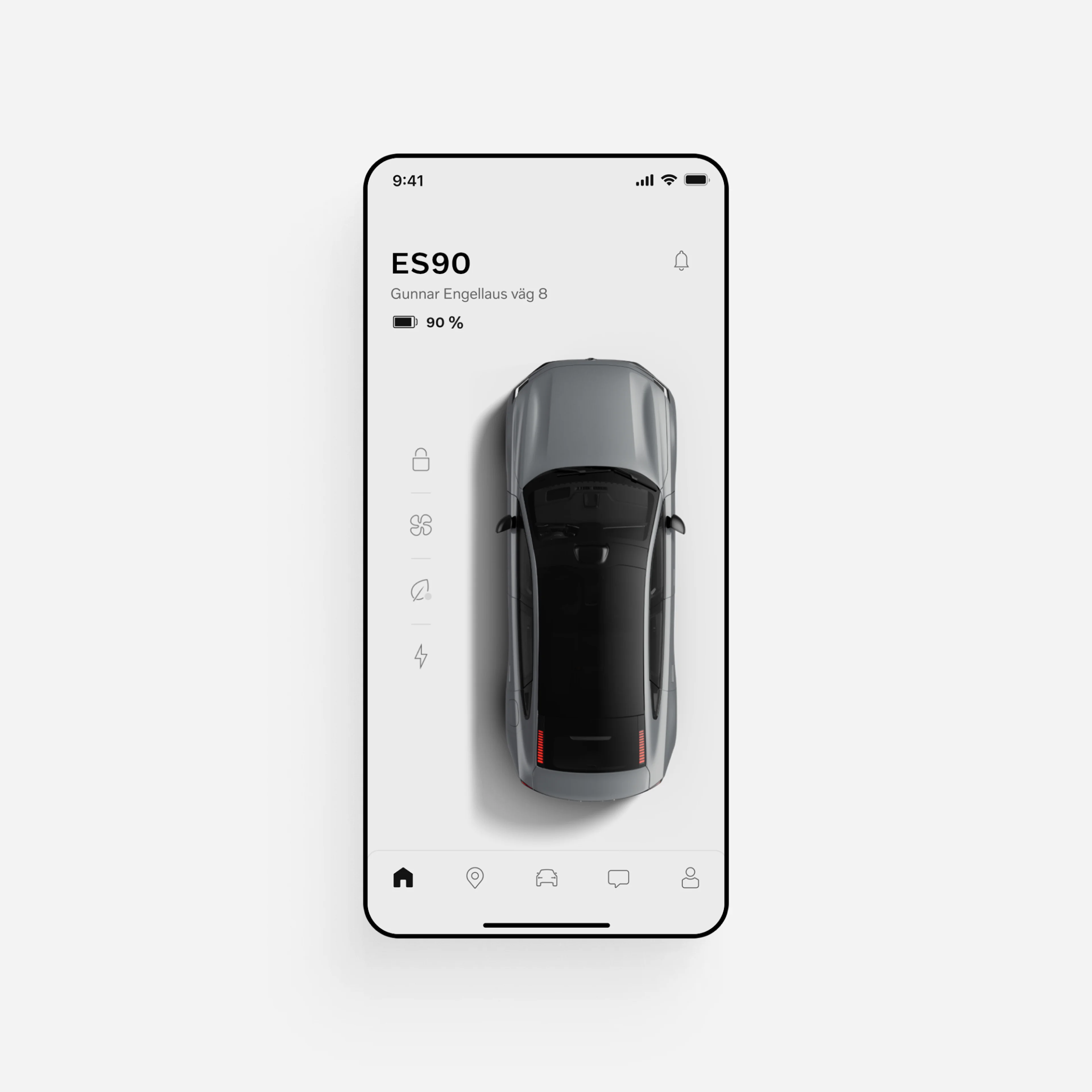
Get more from your car with the free Volvo Cars app. Use it to remotely access your car, activate climate functions, update car software and more.

Easy access
Unlock your car in the app or use it set up a digital key. Can’t remember where you parked? Locate your car on a map, honk the horn or flash its lights.

Climate settings
Warm or cool the cabin before you get in. You can also run a purification cycle to refresh cabin air before your journey.

Charging controls
See charge level and range at a glance. Find nearby charging stations. Schedule charging times and confirm charging status.

Convenient updates
Get notifications when updates are available for your car's software-based features. Tap to start the update or schedule it for a more convenient time.

Features may not be available in all markets or for all models and may not be available until a later date. Remote functions may not be available when the vehicle has been parked for an extended period.

...Show more

 Image

Wireless Apple CarPlay

Wirelessly connect your iPhone to your car, and you’re all set to select apps, music and more using Siri or the centre display.

Wireless Android Auto

Access your favourite apps in the car's centre display with Android Auto™. Wirelessly connect your Android™ phone to the car to get started.

Apple CarPlay and iPhone are trademarks of Apple Inc. Wireless Apple CarPlay is compatible with an iPhone 6 or newer models running iOS 14 or later. Update to the latest software to optimise your Apple CarPlay experience. Google, Android and Android Auto are trademarks of Google LLC. Compatible Android phone and compatible active data plan required.

ES90 Comfort and climate

Your cabin. Just the way you like it.

Multi-zone climate controls Image

Multi-zone climate controls

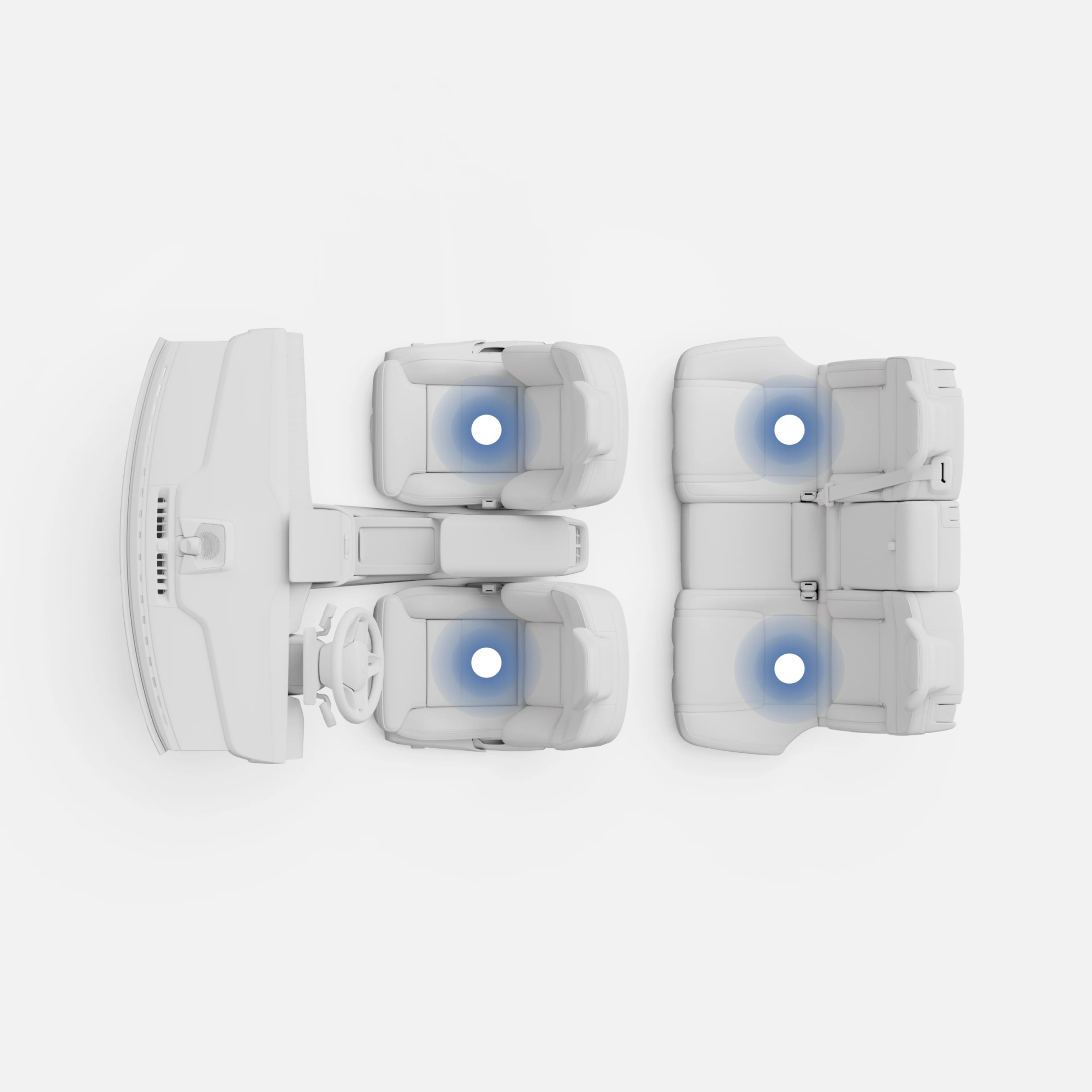
The driver, front passenger and two outer rear passengers can each set their own temperature and fan speed. Front passengers adjust theirs through the centre display. Rear passengers use a touch panel on the back of the centre console.

Cabin pre-conditioning
Use the Volvo Cars app to bring the cabin to a comfortable temperature before getting in. Pre-conditioning the cabin includes an air cleaning cycle, delivering a refreshed interior each time.

Heat pump
The heat pump increases range by using thermal energy from the air and excess heat from the motor and battery to warm the cabin efficiently. It also helps maintain optimal battery temperature to maximise performance on longer journeys and with heavier loads. It activates automatically with the air conditioning.

...Show more

Air purification Image

Air purification

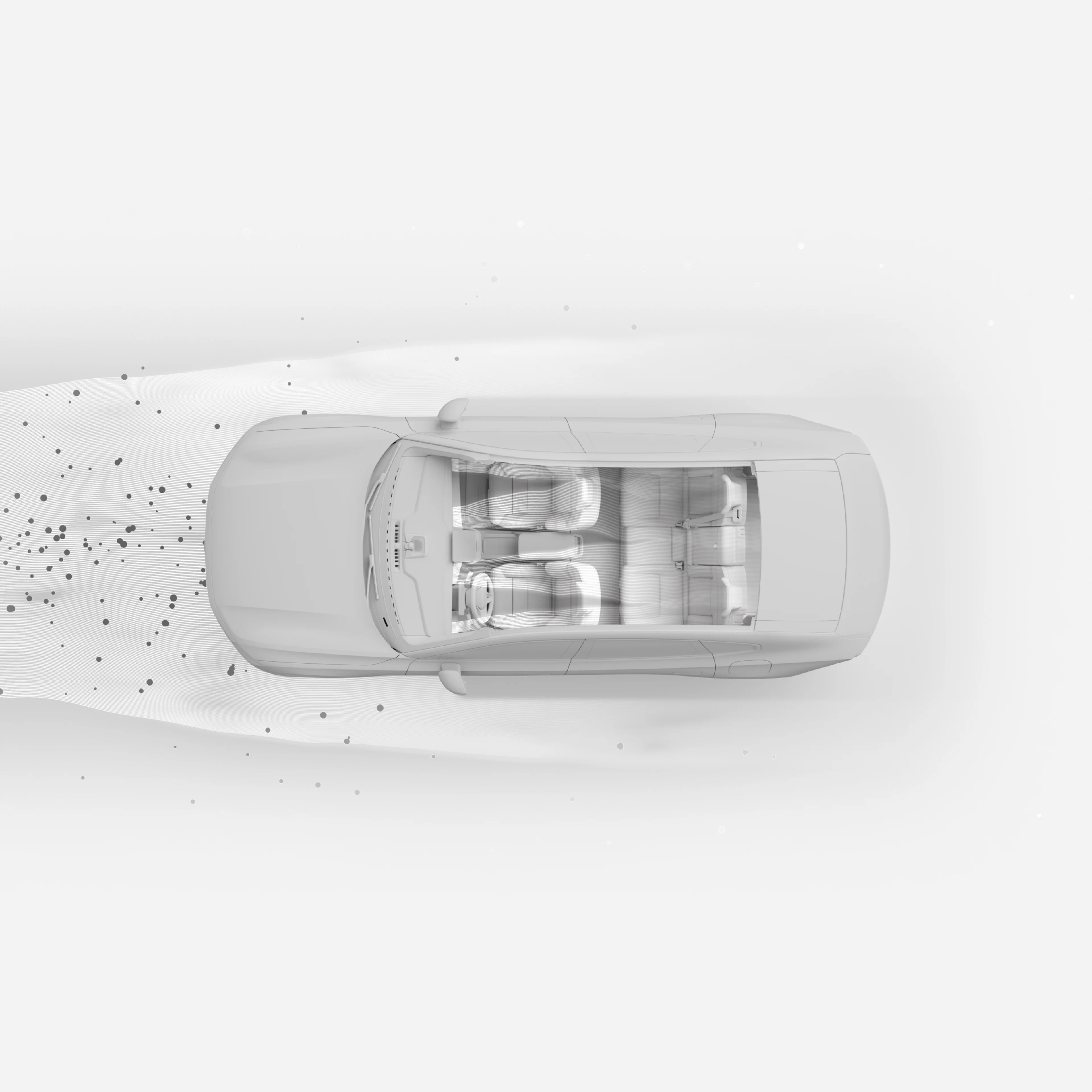
The air quality system continuously filters and monitors incoming air and can automatically shut the cabin’s intakes if harmful substances like ozone or exhaust gases are detected.

Opt for an air purifier designed to remove up to 95 per cent of PM2.5 particles, which can affect your respiratory health. It also eliminates up to 97 per cent of airborne viruses and 99.9 per cent of pollen.

Check cabin air quality on the centre display and use it to run an air purification cycle. You can also refresh the cabin remotely using the Volvo Cars app.

...Show more

Child locks and seats Image

Child locks and seats

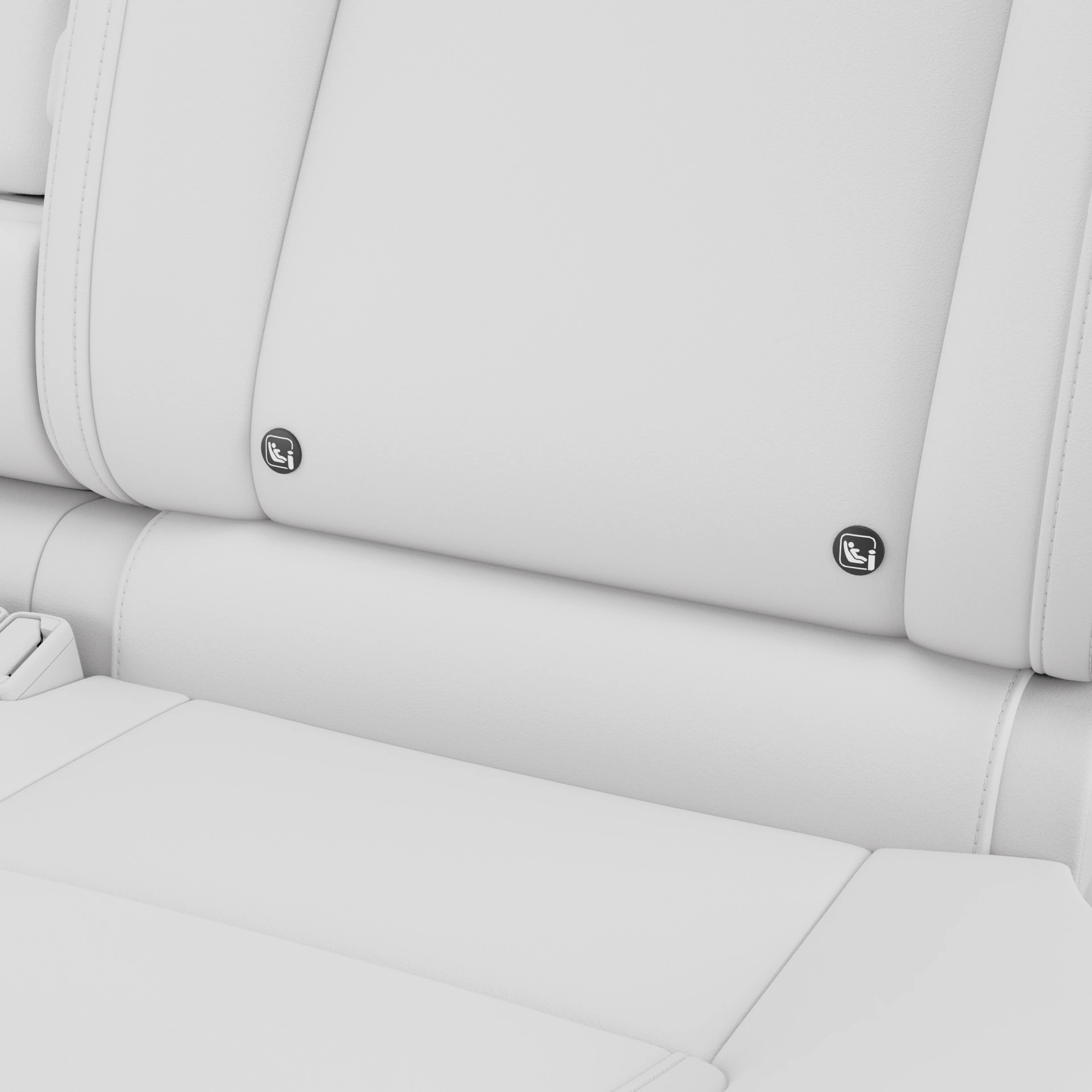
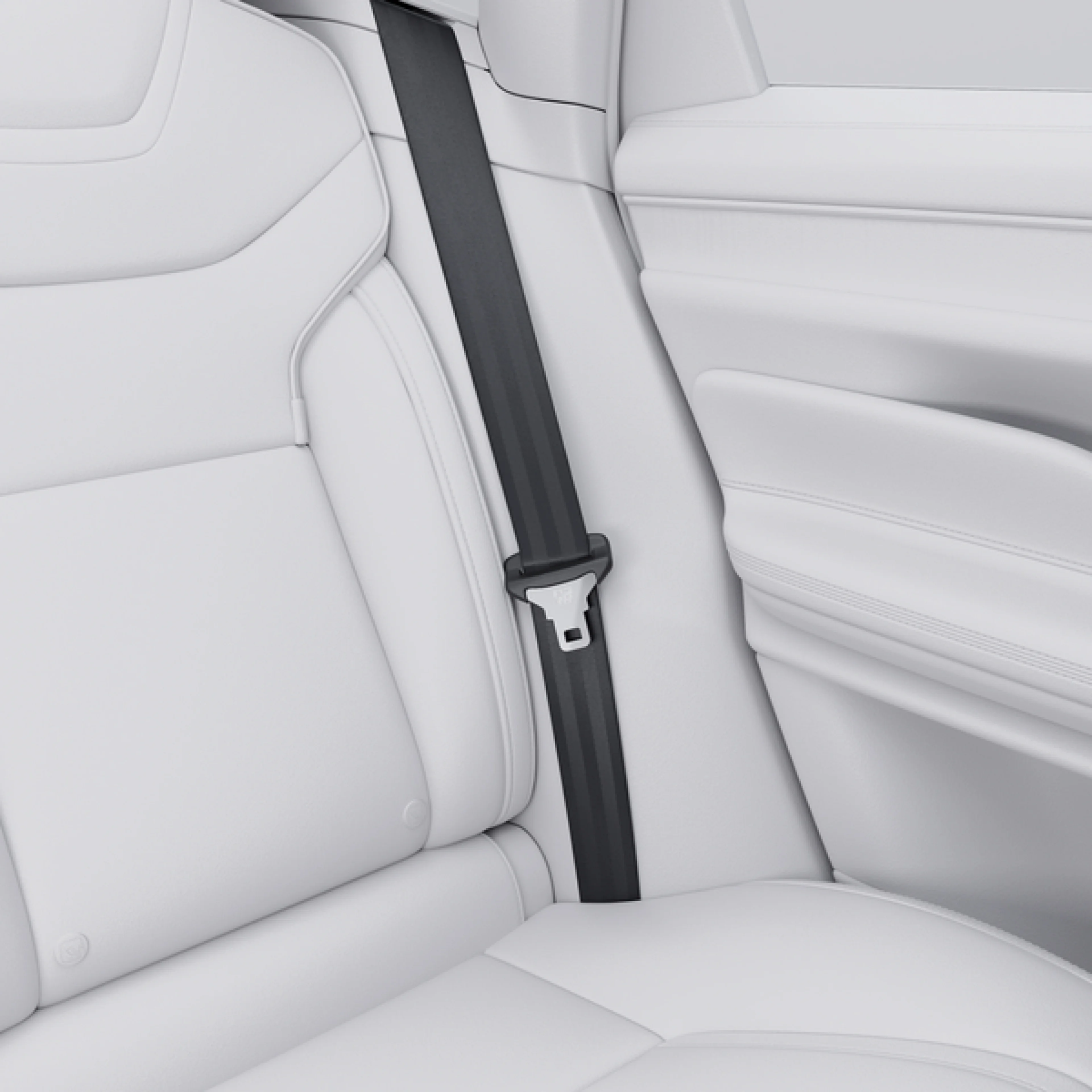
Child seats can be installed in any of the three rear seats with ISOFIX anchorages in the outer positions.

Power child lock
The standard power child lock lets you lock the rear doors and windows right from the driver’s seat, so they can’t be opened from the inside.

Child safety recommendations
Our approach to child safety includes rigorous testing based on real-life traffic situations. That's why we strongly recommend keeping kids in rear-facing child seats until they’re at least four years old.

...Show more

Ride comfort Image

Ride comfort

While sedans normally sit low to the ground, the ES90 has large wheels and relatively high ground clearance to provide versatility for modern families.

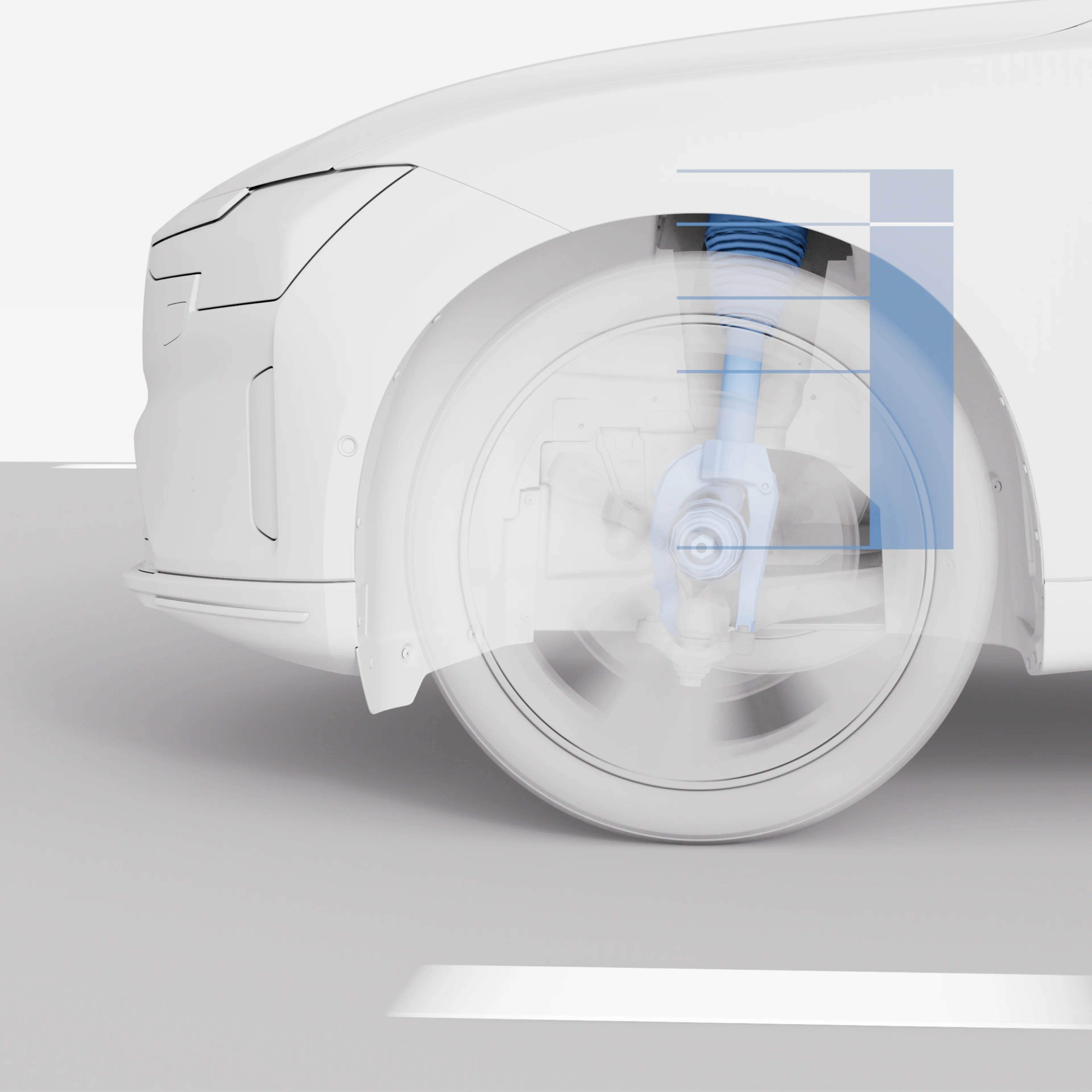
The standard chassis with Frequency Selective Damping technology automatically adapts to the road for a controlled drive. The double wishbone suspension and integral rear link smooth corners and absorb bumps. Electronic support systems enhance traction.

Available on the Ultra trim, active air suspension provides an even more refined drive. The system monitors the car, road and driver 500 times per second, adjusting for more precise cornering and reduced pitch and roll. The car can be lowered or raised by -18 to 30 mm.

...Show more

Quiet cabin Image

Quiet cabin

Quiet is the ultimate luxury in the ES90. With its sleek aerodynamic design, advanced suspension and custom tyres, this car is designed to deliver an atmosphere of calm. State-of-the-art soundproofing means you can enjoy every note of your go-to playlist or unwind undisturbed by the world outside.

...Show more

Laminated windows Image

Laminated windows

Select laminated windows to enhance the calm inside your ES90. Two sheets of glass are bonded together with a central polymer layer. This reduces outside noise and strengthens the glass for added security in case of a collision or break-in.

...Show more

 Image

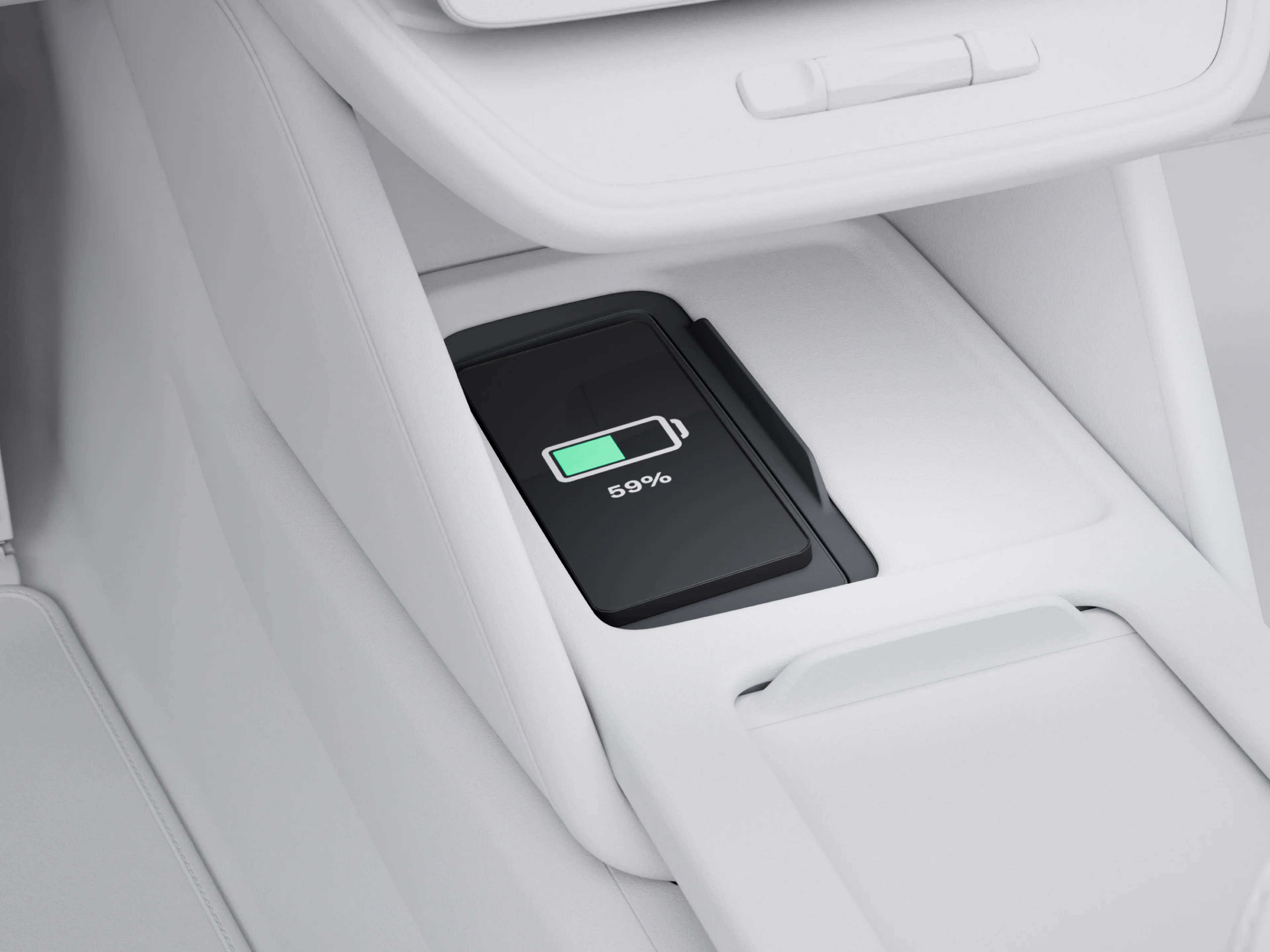
Wireless phone charger

Place your phone on the charging pad at the front of the centre console. It fits larger phones and delivers up to 15 watts – perfect for quick top-ups.

Four USB-C ports

Charge devices using the two USB-C ports at the front of the centre console and the two at the rear.

Power outlet

Use an electric cooler, air mattress pump or camping stove on the go with the 12-volt power outlet in the boot.

ES90 Safety and driver support

Point A to point B with peace of mind along the way. [a]

Protective safety Image

Protective safety

The body of your ES90 is designed to help provide 360° protection in the event of an accident. A high-strength steel safety cage surrounds everyone in the car, working with front, rear and side deformation zones to absorb and redistribute the force of an impact. For added security, the battery is shielded by its own safety cage.

In the event of a side collision, the Side Impact Protection System™ is designed to help distribute crash forces across the car’s body. This helps limit intrusions into the cabin and reduce the risk of injury to passengers. A long airbag along the roofline deploys in milliseconds to help provide head protection for passengers in the front and rear outer seats. It also helps shield against debris like broken glass from side windows. Seatbelts tighten to help keep front passengers securely positioned and airbags in the front seats are deployed to help protect the chest and lower body.

If the car leaves the road during an accident, the front seatbelts tighten to hold you in place. The front seats are designed to help protect your spine during heavy landings. And in case of a rollover accident, the restraints deploy automatically. Combined with the strong safety cage, these features work together to help protect everyone inside.

...Show more

Driver Understanding

Sensors and a touch-sensitive steering wheel analyse patterns in your eye and head movements, along with your driving style. Driver Understanding uses this information to adjust the timing of warnings and interventions, giving you the chance to respond to potential risks and stepping in only when needed.

But on days when you’re not at your best, the car can provide extra support. Like if it detects signs of drowsiness, it may suggest a break. If your steering is not up to its usual standard, it can gently help you stay in the lane. And if you don’t respond to escalating alerts, the car can bring itself to a stop and activate the hazard lights.

...Show more

Help avoid collisions

Your ES90 is designed to help avoid collisions or mitigate their impact when they can’t be avoided. Its advanced safety systems can support you in the most critical moments.

The car can detect oncoming vehicles on a collision course. If a collision is imminent, the seatbelts tighten to help position front seat passengers more effectively before impact, and the car automatically applies the brakes to help you slow down by up to 15 km/h.

If a fast-approaching vehicle gets too close from behind, the car flashes all its indicators to warn the other driver. If the car senses that a collision is unavoidable, the front seatbelts tighten, and the seats are designed to help reduce the risk of whiplash injury. The brakes are also applied to lower the risk of secondary impacts.

There’s support while reversing, too. Rear sensors can detect approaching vehicles up to 30 metres away, pedestrians, and cyclists. If you don’t react to warnings, the car can automatically brake to prevent or reduce the severity of an impact.

Vehicles, pedestrians and cyclists moving in the same direction of the car can be detected under certain speeds and in certain conditions. Detection systems depend on objects being illuminated and require the vehicle’s front and rear lights to work when it is dark. Driver remains responsible for safe driving at all times.

...Show more

Occupant Sensing Image

Occupant Sensing

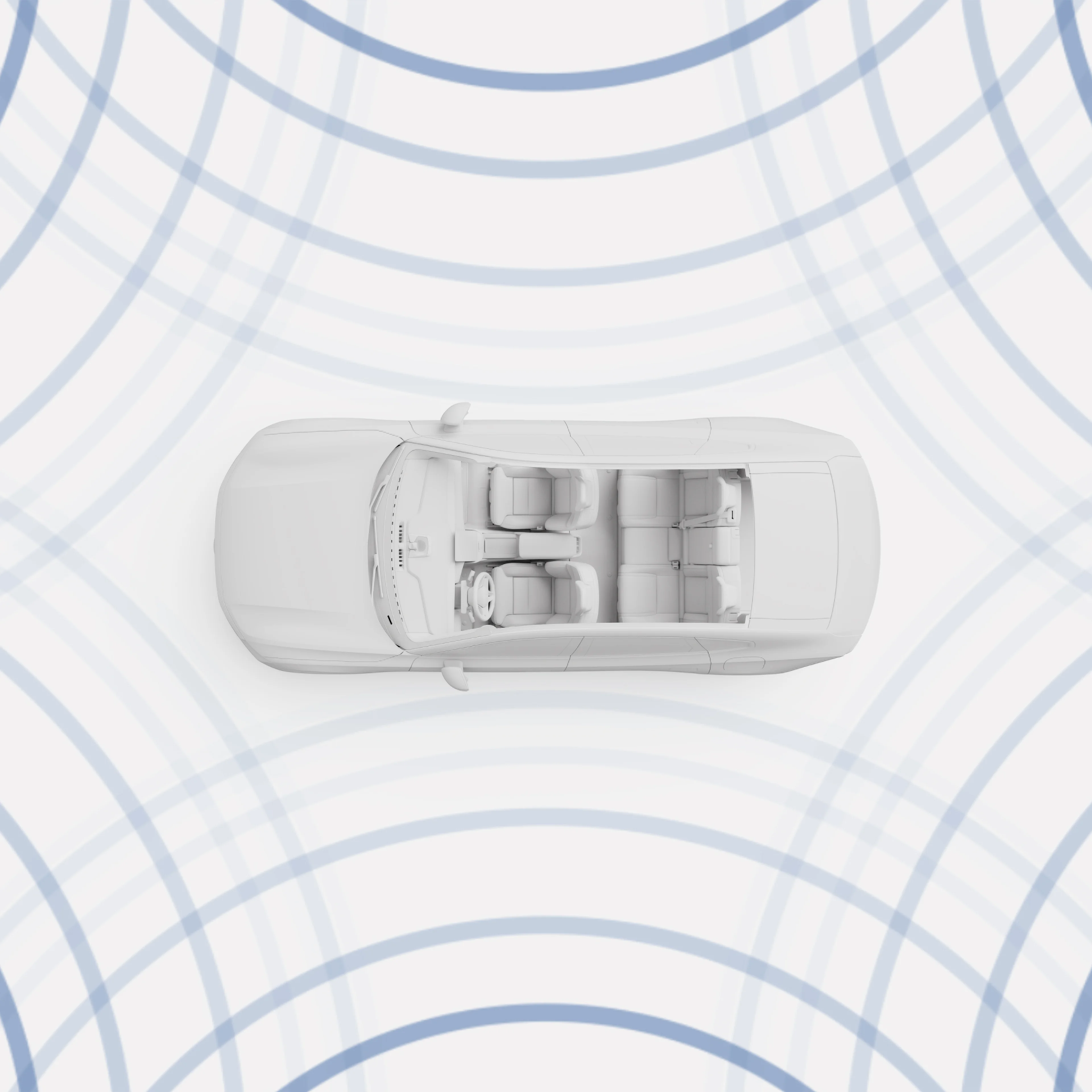
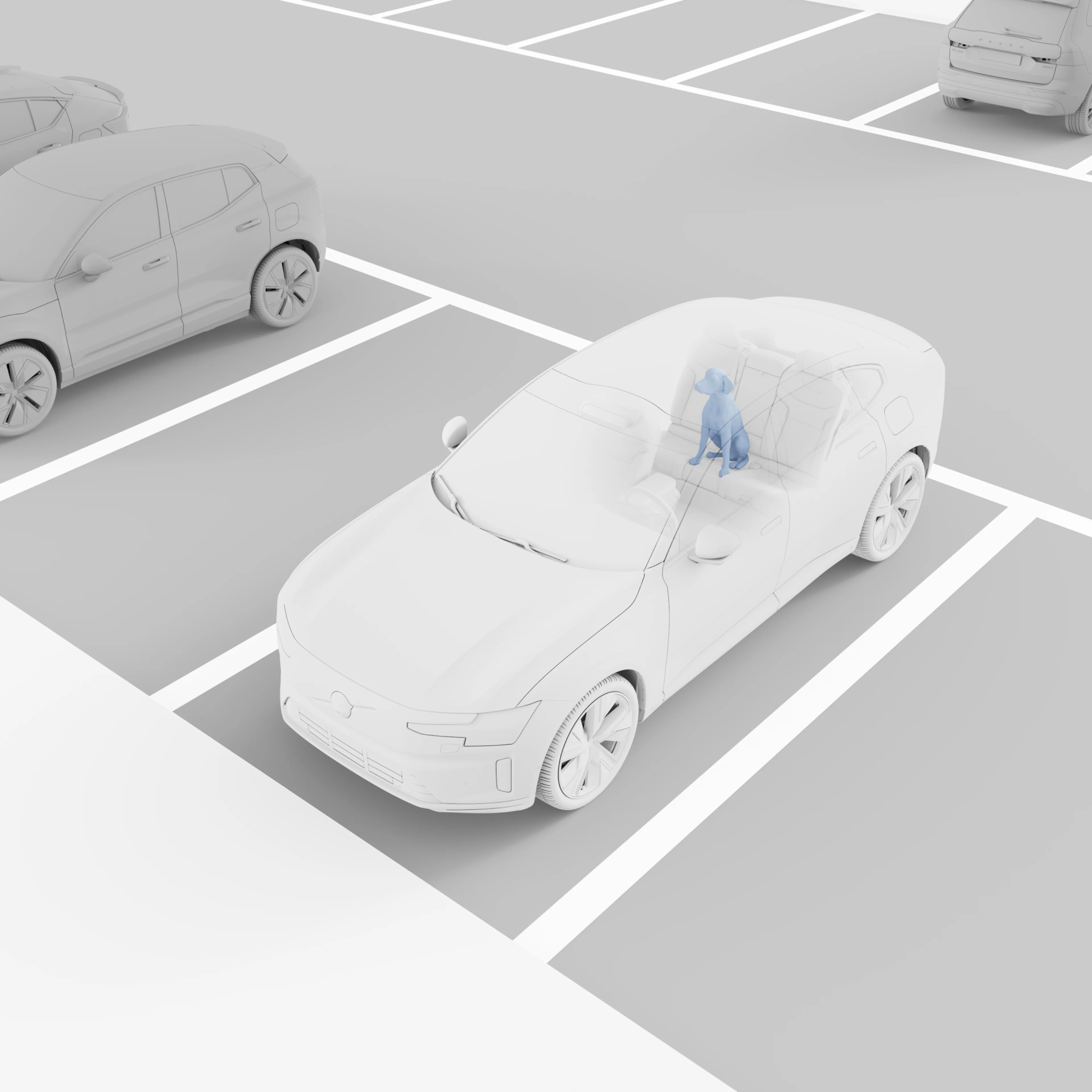
Get a reminder if someone is inadvertently left behind in the car. Radar sensors throughout the cabin enable our occupant sensing system to detect sub-millimetre movement. If your ES90 detects a person or animal inside the car when you try to lock the doors, it can stay unlocked and notify you to check the interior. The climate system can remain on to improve comfort and reduce the risk of hypothermia or heatstroke.

...Show more

Door opening alert

Avoid unforeseen accidents when opening the doors of your parked car. The radars on the rear of your Volvo car can detect approaching cyclists and motorists from behind and alert anyone in the car who might be about to open their door. Your car can send you alerts in two stages. Initially, a warning light on the corresponding door mirror can illuminate. If a collision is imminent, the light can begin flashing with a warning sound.

...Show more

Pilot Assist

Pilot Assist supports relaxed yet focused driving from a standstill up to 150 km/h. Keep your hands on the wheel as it gently adjusts steering, braking and acceleration. It can even read road signs and automatically adjust your speed to match the limit.

...Show more

High Definition Pixel headlights

Light up the night without dazzling other drivers. The advanced High Definition Pixel headlights in the ES90 use 20,000 pixels that change the light pattern according to what’s on the road. Working with the car's front cameras, they can detect up to five cars and three other objects at once. The light pattern automatically adjusts to help reduce glare while keeping your visibility clear.

...Show more

360° camera with 3D view

Get in and out of tight spots with the optional 360° camera with 3D view. Use the split-screen option on the centre display for a near-180° front or rear view for better visibility. When reverse parking, the rear-view camera shows guiding lines to help you ease into place. Pinch to zoom in, especially while attaching a trailer.

...Show more

a. Safety features complement safe driving practices and are not intended to enable or encourage distracted, aggressive, or otherwise unsafe or illegal driving. Driver support functions are not a substitute for the driver's attention and judgment. Ultimately, the driver is responsible for the safe operation of the vehicle at all times.

ES90 Charging solutions

Balance is a journey. Get there on one charge.

  •  Image


Range optimisation

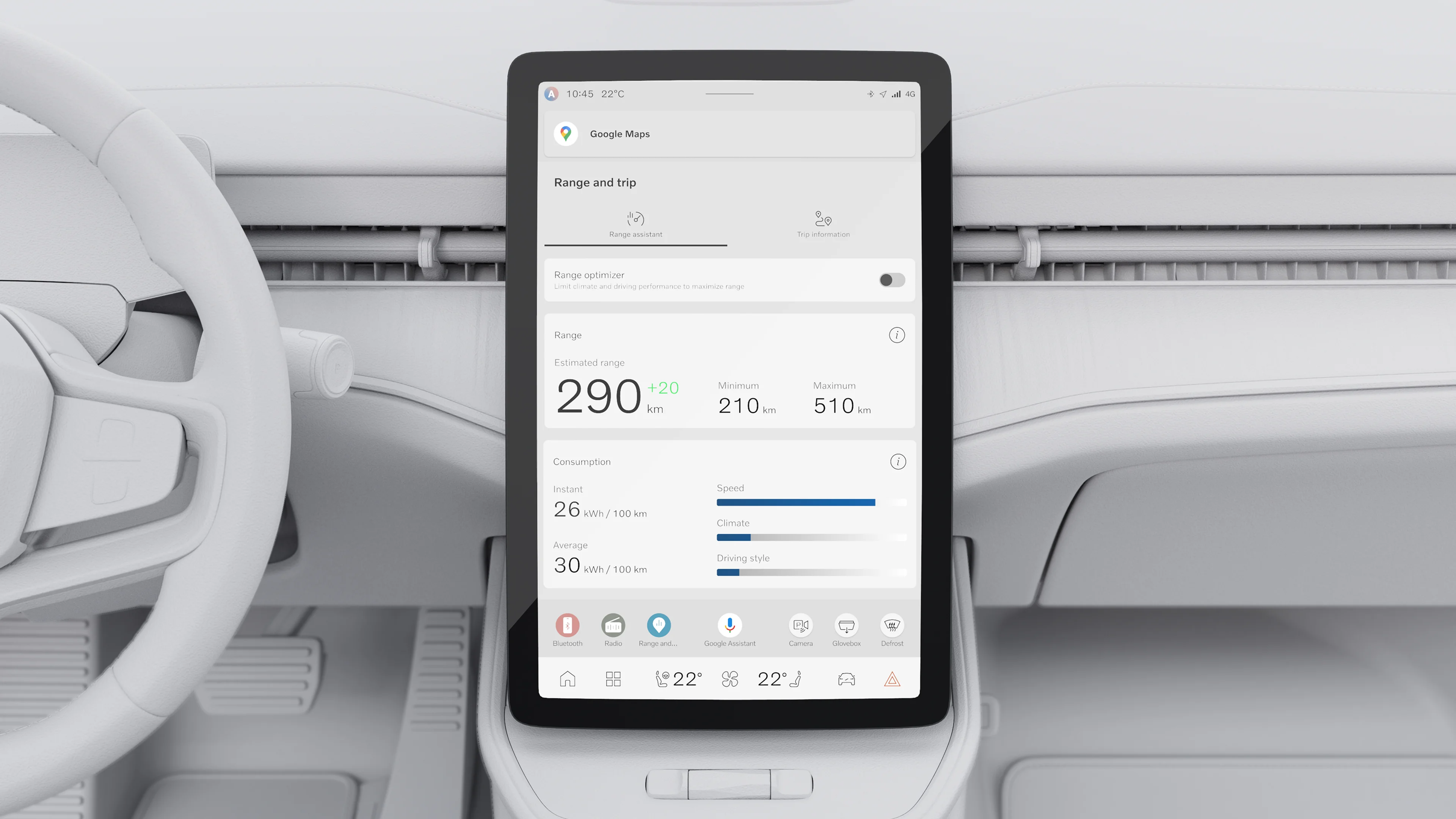
Get an overview of your energy usage with the Range Assistant. It estimates how far you can go based on your current battery level in real time and factoring in driving style, road conditions and cabin climate settings. Check both minimum and maximum range estimates to plan with confidence.

The Range Assistant can also make suggestions to help you go further on a single charge, like adjusting cabin climate settings, driving mode or pre-conditioning the battery. Access it through the centre display.

Overseas model shown. These images feature the driver display and centre display in light mode. Only dark mode will be available in early production vehicles and light mode may be made available via an update later. 
Information and photographs on this website may include overseas models and features not available in Australia. Please confirm exact specifications, features and availability with your local Volvo retailer. 
Google, Google Play and Google Maps are trademarks of Google LLC.